
Availability, pricing and guest messages for holiday-let hosts in one calendar.
A host imports a calendar, sees a pricing suggestion they disagree with, and leaves.
Insight: structured answers to act on
The hub files every answer by topic and screen, and the model names the core reasons behind them.
Gives: Host Pro for a month per four accepted loops
Asks: Five questions on pricing and the calendar
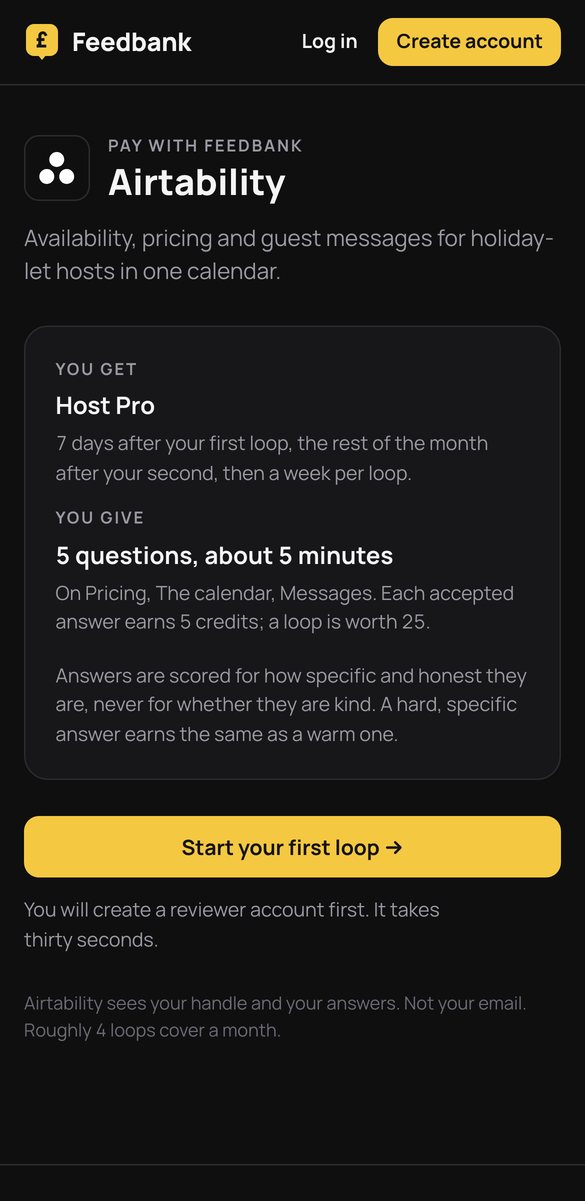
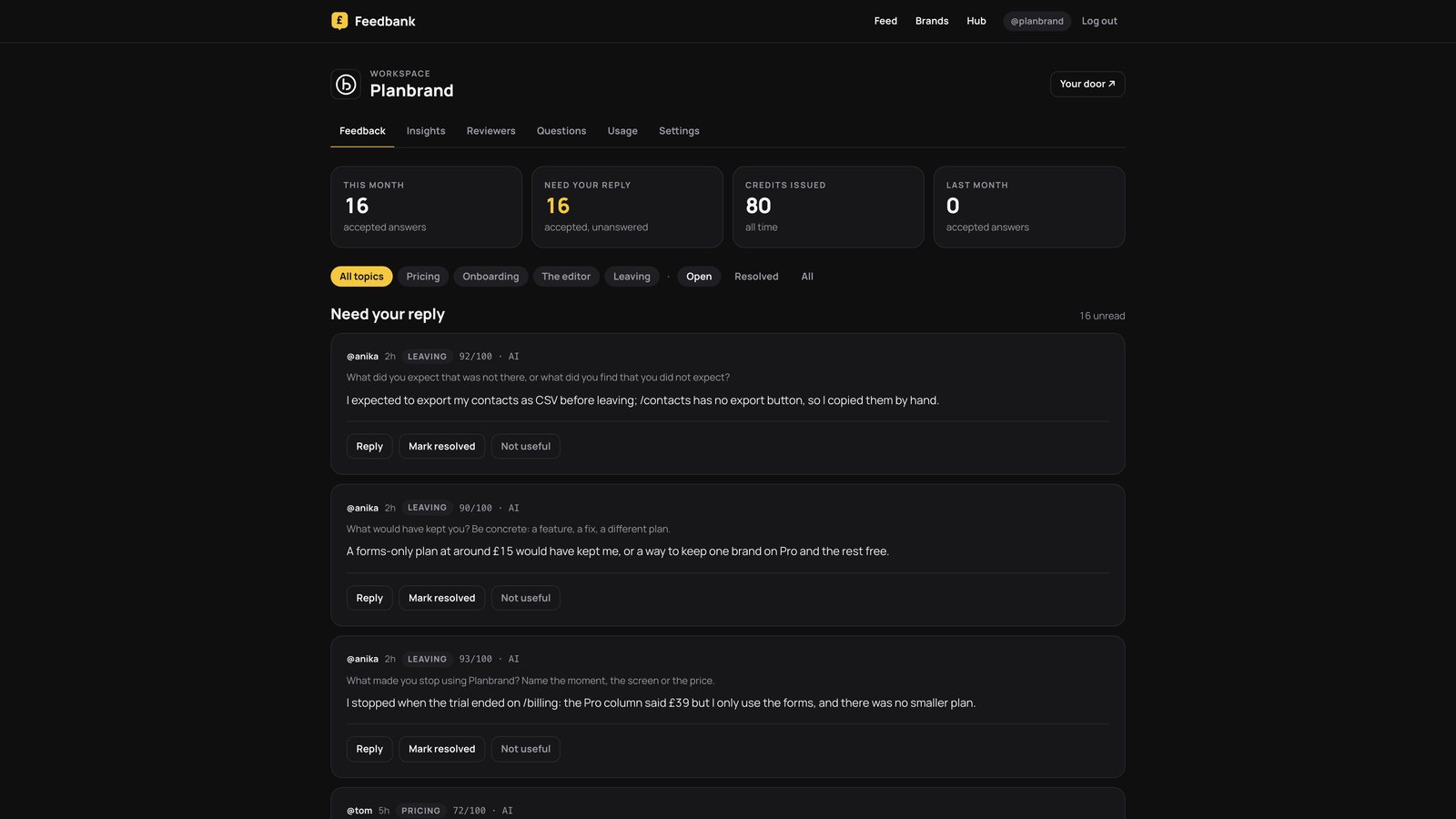
Planbrand's workspace, with answers in it. Airtability's hub has the same screens, filed under Pricing, The calendar, Messages and Leaving.
The weekly loop
Five questions on pricing, the calendar, messages. Every answer is scored for how specific it is; a complaint earns what a compliment earns.
- 1Which pricing suggestion did you change, and what did you set instead?
- 2What did the calendar show that your old one did not, and the other way round?
- 3Where did a guest message go wrong, if it did?
- 4What would make you trust the suggested price for one week?
- 5What did you check elsewhere before you accepted a booking?
What Airtability learns
- Why hosts override prices
- What the calendar is missing from the tools it replaces
- What makes a suggestion trustworthy
Anyone who stops gets three exit questions: what made you stop, what would have kept you, what did you expect. Scored like any answer, credited, and read first by the Insights model.
This page describes Airtability's setup on Feedbank. Figures appear only where the brand has published them.